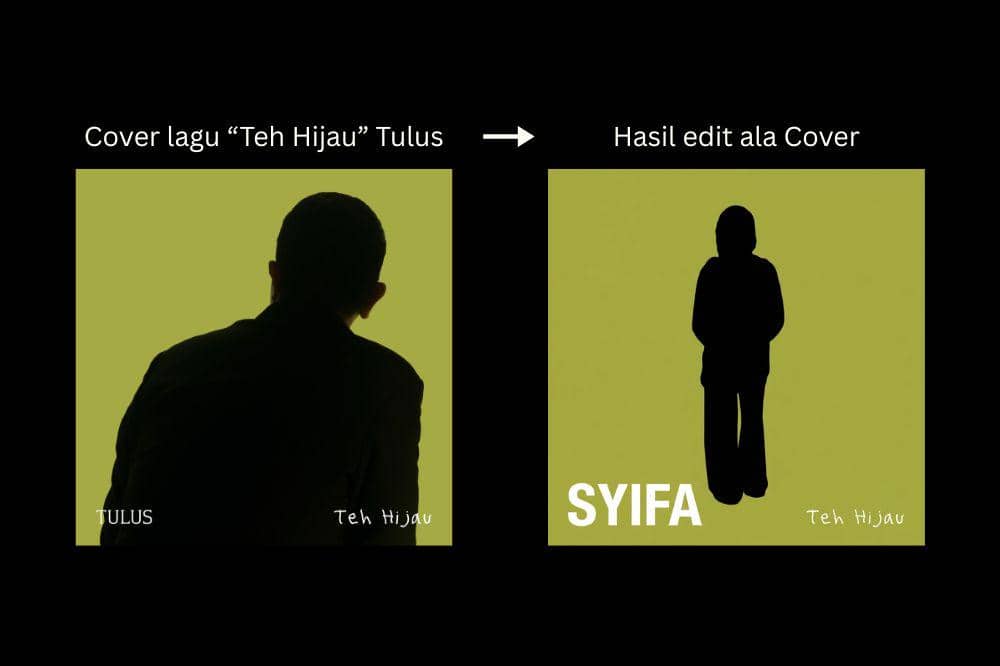
Untuk membuat hasil edit yang menyerupai cover lagu 'Teh Hijau', siapkan dua gambar terlebih dahulu. Gambar pertama merupakan foto diri yang akan diubah menjadi siluet, sedangkan gambar kedua adalah referensi cover lagu 'Teh Hijau' milik Tulus.
Setelah itu, buka fitur AI Image atau AI Edit di CapCut, lalu unggah kedua gambar tersebut. Masukkan prompt berikut agar AI menghasilkan tampilan yang sesuai:
Use Image 1 as the primary reference. Transform it into a minimalist album-cover style using the background from Image 2. Replace the entire background with a solid olive-green color identical to Image 2, and convert the subject into a pure solid black silhouette with clean, sharp edges, showing no facial features, skin tones, clothing details, textures, gradients, reflections, or shadows. Preserve the subject's exact pose, composition, proportions, and framing from Image 1. Keep the canvas in a perfect 1:1 square aspect ratio with subtle rounded corners. Preserve the original white text "TULUS" in the bottom-left corner and "Teh Hijau" in the bottom-right corner exactly as they appear, maintaining the same font style, size, spacing, color, alignment, and position without any modification, distortion, replacement, or regeneration. The final result should look like a clean, high-contrast minimalist album cover with a flat olive-green background, a solid black silhouette, and the original typography perfectly preserved.
Tunggu hingga proses selesai, lalu simpan hasil edit tersebut. Nantinya foto akan berubah menjadi siluet hitam dengan latar hijau khas cover 'Teh Hijau'.